
Naad Secure · One of Knowlcom’s applications
Secure voice, video and messaging for teams that work together.
A secure communication and collaboration platform for government, defence and enterprise. End-to-end encrypted with PQ hybrid sessions; relays cannot read content.
Voice · Video · Text · Files
Every kind of conversation.
Calls, video, messages and files run in one application and one end-to-end encrypted session. Relays cannot read content.
-
 Voice
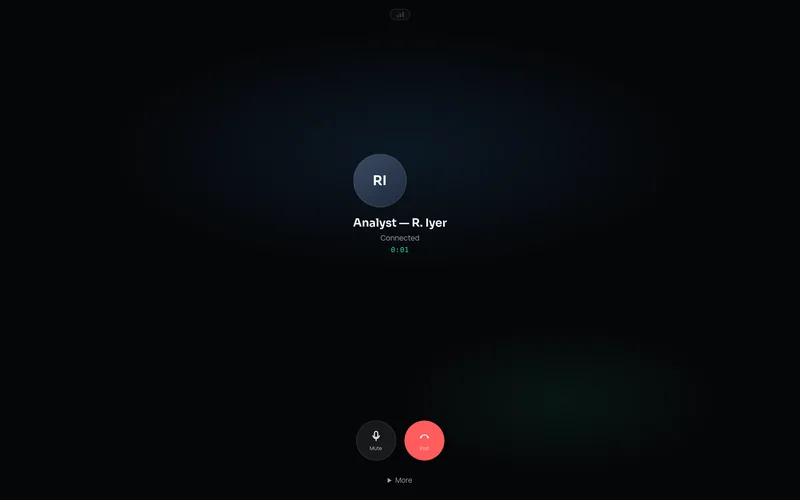
Secure voice calls
- One-to-one calls from any direct conversation
- Mute, hold and choice of audio device
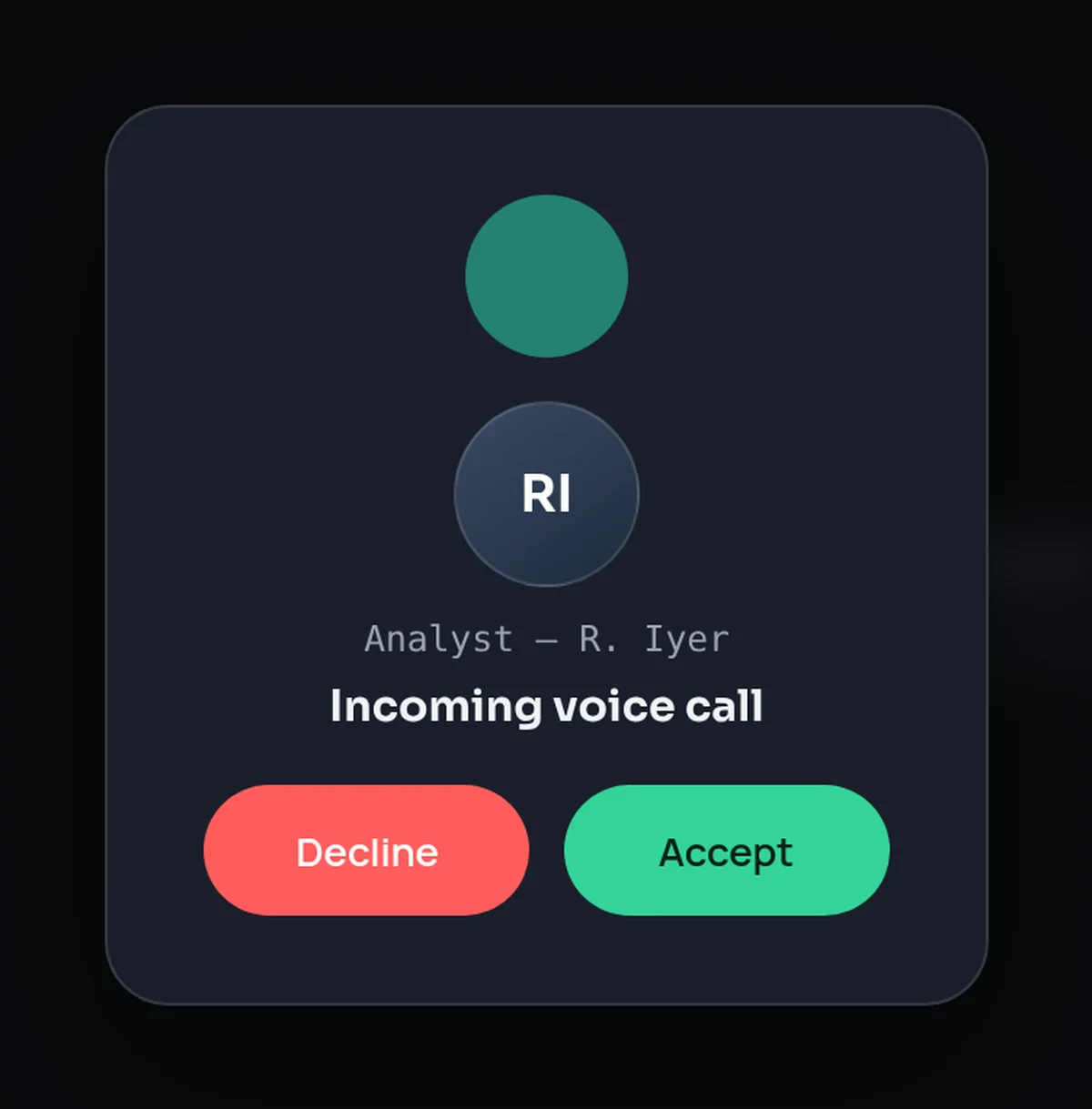
- Full-screen incoming call; locking the device ends the call first
-
 Video
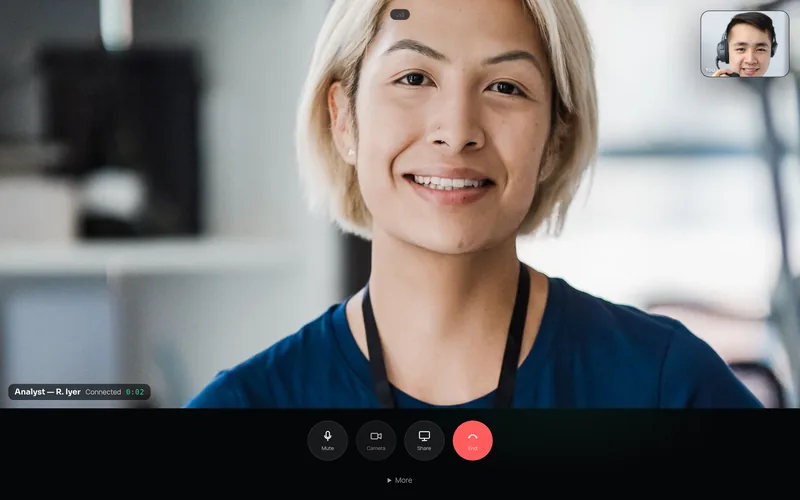
Secure video calls
- One-to-one video with a picture-in-picture preview
- Camera on or off at any point
- Share your screen in a call, where the device supports it
-
 Text
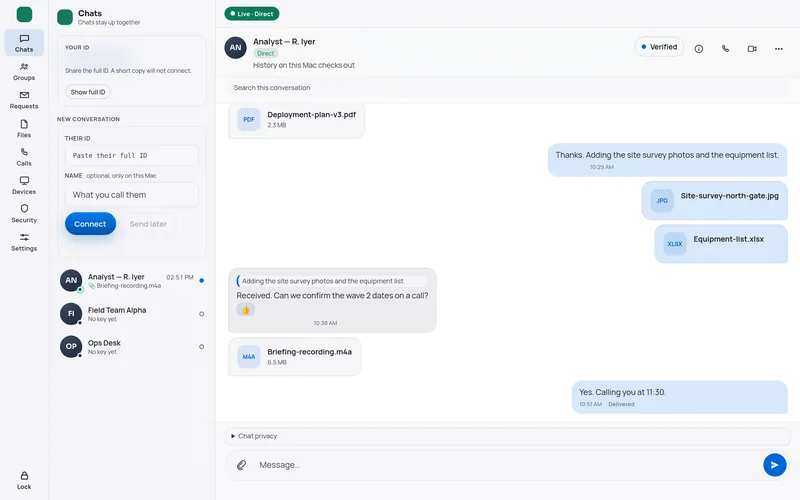
Secure messaging
- Direct conversations with verified contacts
- Quoted replies, reactions, edit and delete
- Delivery and read receipts, typing indicators


Share any file inside the conversation
Files of any type, up to 100 MB each, travel inside the encrypted conversation. Received files wait until you save or decline them.

Documents and PDFs
Plans, reports, briefs and forms.

Images and photos
Site photos, scans and diagrams.

Audio and video files
Recordings and clips, sent as files.

Spreadsheets and archives
Lists, data sets and bundles.

Quoted replies
Answer a specific message so context is never lost.

Reactions
Acknowledge a message without adding to the conversation.

Edit and delete
Correct or withdraw messages you have sent.

Receipts and typing
Delivered and read states; each can be switched off.
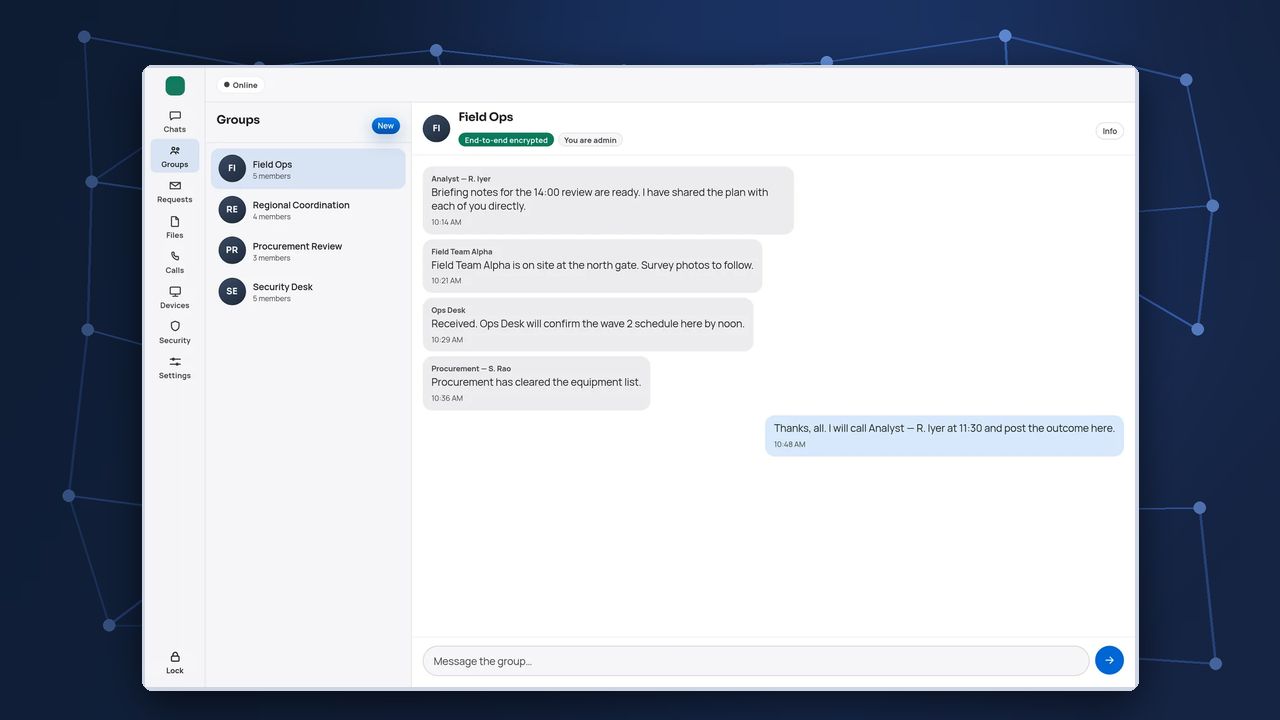
Screens from the running application with demo names. People shown on the video call are stock photographs.
Collaborative office
A secure collaborative office.
Every team, desk and task force gets its own group, alongside direct messages, files and calls, in one application.

- Teams and groups. One group for each team, desk or task force.
- Group conversation. Everyone in the team works in one shared conversation.
- Roles and protection. Admin role and an end-to-end encrypted badge.
- Always in reach. Chats, requests, files, calls and devices one click away.

Teams and groups
Named groups for departments, units, desks and task forces.
Direct messages
One-to-one conversations with verified colleagues.
Files in direct conversations
Documents and media sent as files, where the work is discussed.
One-to-one calls
Move from a direct message to a voice or video call in one step.

Admin-controlled membership
Admins add and remove members; each change rotates the group keys.

Search and quick jump
Find people, search a conversation or jump to any screen.

Contact requests
New contacts arrive as requests; accept to start connecting.

Messages for offline colleagues
Messages wait for colleagues who are away.

Local notifications
Alerts stay on the device; message content is hidden by default.

Workplace etiquette, on your terms
Each person decides whether to send delivery receipts, read receipts and typing indicators. Notifications are local to the device and hide message content unless the user chooses otherwise.
Government
Departments, committees and task forces coordinate in their own groups. Government track
Defence
Units and establishments keep secure conversations inside closed networks. Defence track
Enterprise
Business units, security teams and partners work in separate groups. Enterprise track
Architecture
Four layers. One session.


- 01 · Interface
Interface
Messages, calls and files in one application.
- 02 · Session
Post-quantum session
End-to-end encrypted with PQ hybrid sessions.
- 03 · Identity
Identity
Key-based identities. Contacts confirm each other in person or by call.
- 04 · Storage
Storage and relay
Relays and stores carry ciphertext only.
Platform capabilities
Built for sustained, secure teamwork.
The capabilities that sit behind voice, video and text.
File exchange
Files travel as encrypted chunks and land in a confined folder on receipt.

Multiple devices
Several devices under one identity, each with a signed, revocable certificate.
Delivery while offline
Messages for an absent colleague wait sealed in a store for up to seven days.

Protected endpoints
PIN-sealed identity, encrypted history, a screen-capture shield and auto-lock.
Available as a macOS desktop application and on Android, with an iOS client in development.
Interface
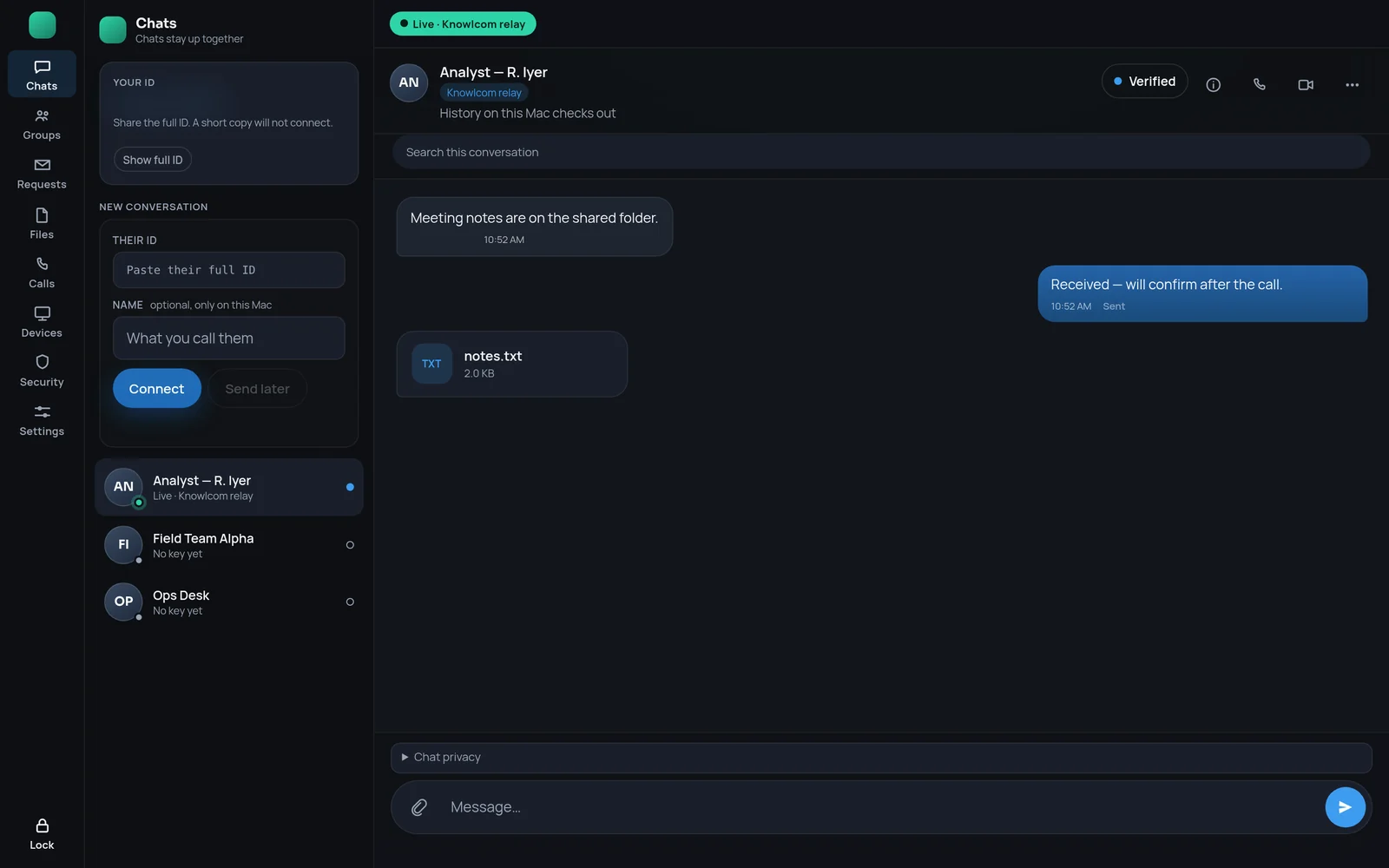
More from the running application.
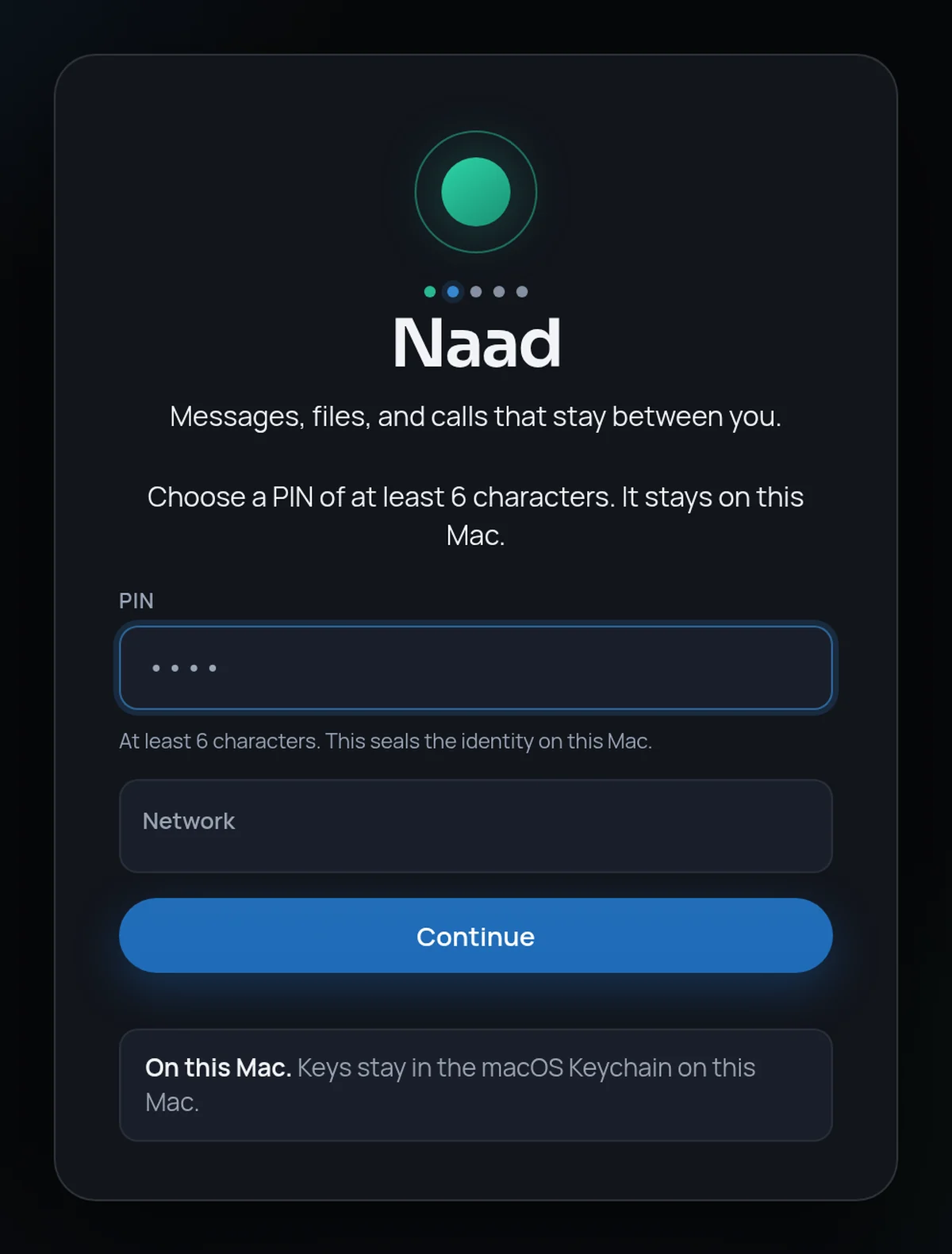
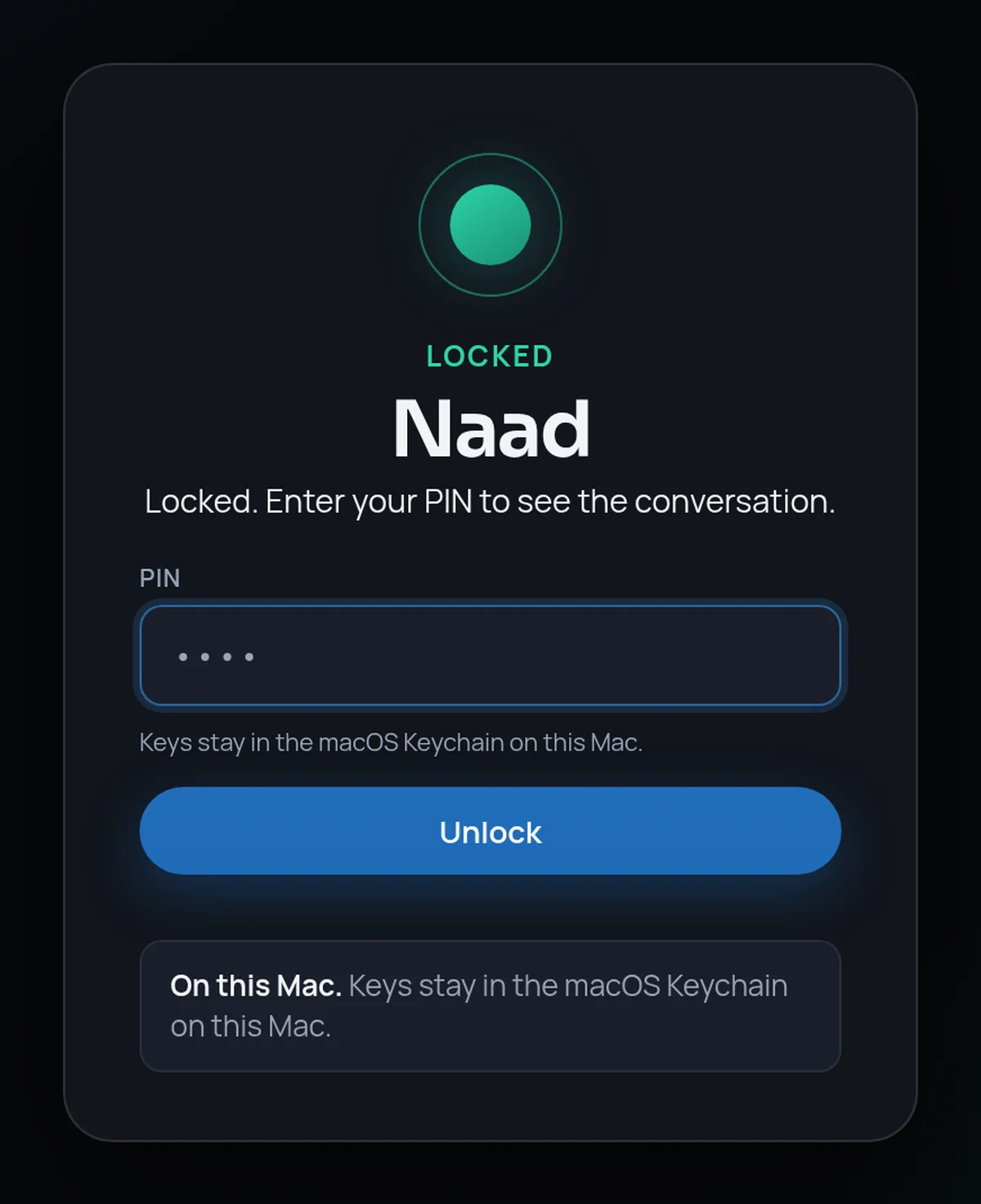
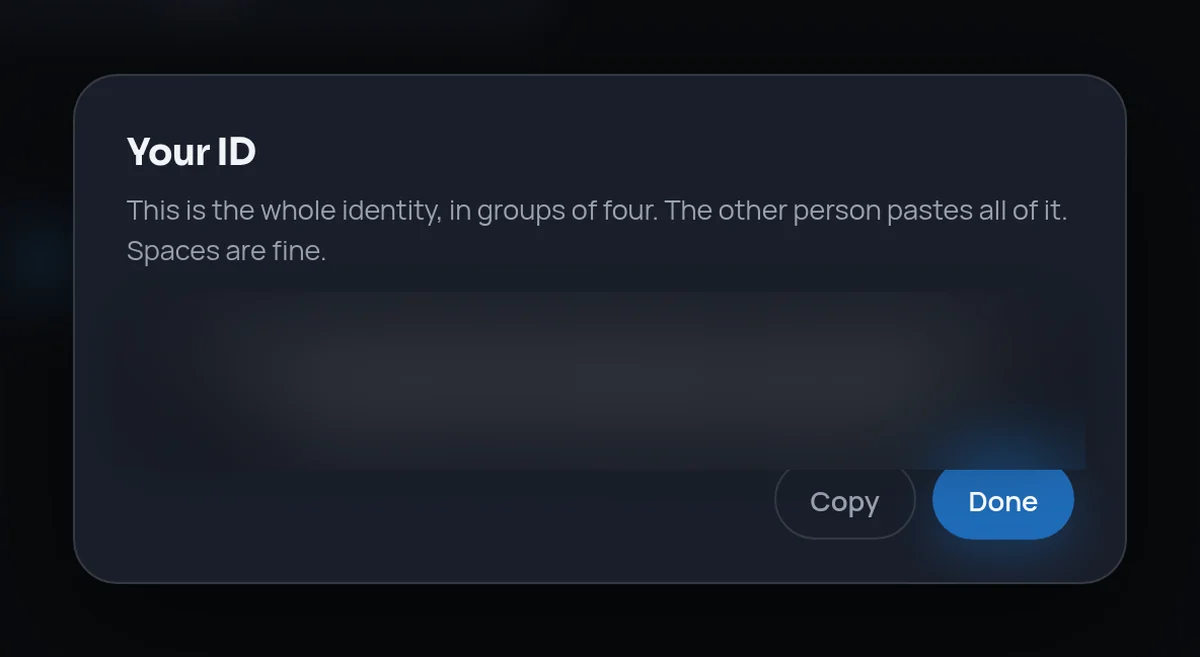
Captured in a lab-evaluation scenario, with demo names only.
Onboarding, lock, identity and relay screens
Tailored by buyer
One platform. Three configurations.
Each track sets deployment, identity, residency and assurance.

Track 01 Government
For ministries, departments and public institutions.
Inter-departmental communication and collaboration that stays within the institution’s own jurisdiction.
- Officials message, call and share files on one platform
- Infrastructure the institution operates on Indian soil
- A record the institution can inspect on its own terms

Configuration profile · Government
- Deployment model
- Self-hosted in a government data centre, or tenant-hosted for one institution on private infrastructure. Seed, relay and store run as one service the institution operates.
- Identity and access
- Each officer holds a self-certifying key identity. In self-hosted deployments no phone number or e-mail address is required. Colleagues confirm each other by comparing a safety number.
- Data residency and sovereignty
- Infrastructure on Indian soil under institutional control. History is encrypted on each device; relays and stores carry ciphertext only.
- Audit and assurance
- Message history on each device is hash-chained, so tampering is flagged. Mechanisms are documented for evaluators. Open to independent evaluation.
- Interoperability and integration
- Fit with existing directories, networks and device management is scoped during discovery. Managed distribution is on the roadmap.
- Roles and separation
- Groups mirror departments, committees and task forces. Separate networks run separate deployments.
- Engagement path
- A discovery workshop with IT and security leads, then a bounded deployment on one department network.
Track 02 Defence
For defence establishments and research laboratories.
Communication for closed networks and isolated enclaves, where nothing in the path is trusted.
- Operation inside an air-gapped enclave
- Every message, file and call end-to-end encrypted with PQ hybrid sessions
- Sensitive actions that need more than one device to approve
Configuration profile · Defence
- Deployment model
- Self-hosted on the establishment’s network, including air-gapped LAN operation with seed and relay inside the enclave. In this mode there is no internet dependency and no foreign push or cloud service in the trust path.
- Identity and access
- Key-based identity with no phone number, SIM or central directory in self-hosted and air-gapped deployments. Sensitive actions can require M-of-N co-signature across devices.
- Data residency and sovereignty
- All infrastructure stays inside the enclave. Exchanges are end-to-end encrypted with PQ hybrid sessions; relays cannot read content.
- Audit and assurance
- Adversarial tests ship with the code, and mechanisms are documented for evaluators. Open to independent evaluation.
- Interoperability and integration
- Direct paths between sites when routable; groups work across sites through relays; relays cannot read content. Source-level review can be arranged under an appropriate confidentiality arrangement.
- Roles and separation
- Separation by deployment: each network or enclave runs its own seed, relay and store. The platform does not apply classification labels to messages.
- Engagement path
- Lab evaluation on an isolated segment, a closed-network deployment between two sites, independent review, then programme roll-out.
Track 03 Enterprise
For regulated enterprises and critical operators.
Boards, legal, treasury and engineering teams communicate and share files without a provider able to read them.
- Confidential groups for boards, deal teams and incident response
- A choice of where the service runs
- Recovery that does not depend on a single custodian

Configuration profile · Enterprise
- Deployment model
- Self-hosted in the enterprise data centre, tenant-hosted by Knowlcom for one organisation, or placed on private or public infrastructure. On public infrastructure servers carry ciphertext only; it is not a no-cloud deployment.
- Identity and access
- Key-based identities with signed device certificates and revocation. Several devices per person under one identity. Recovery from an encrypted backup split into k-of-n shares.
- Data residency and sovereignty
- The enterprise chooses where the store and relay run, including India-region placement. History stays encrypted on each device.
- Audit and assurance
- Relays and stores never hold plaintext, which keeps the service footprint small. Our data-protection practice can map the deployment to DPDP Act obligations. Open to independent evaluation.
- Interoperability and integration
- Fit with identity, device management and records processes is scoped in discovery; our services practice supports the wider programme.
- Roles and separation
- Groups for boards, deal teams and incident response. Keys rotate as members join or leave.
- Engagement path
- Discovery with security and business owners, a first deployment with one business unit, then a phased roll-out.
Tailored deployment
Configured to your mission.
A defined path from first conversation to full roll-out, with an agreed output at every stage.
- 01
Discover requirements
Mission, users, networks, residency and assurance needs, captured with your IT and security leads.
Output Requirements brief
- 02
Configure
Deployment model, identity, groups, device policy and infrastructure placement set to that brief.
Output Configuration plan
- 03
Deploy
A bounded deployment on your network with real teams: messaging, groups, files, voice and video.
Output Deployment report
- 04
Evaluate
Support for your evaluators and independent reviewers, with mechanisms documented in detail.
Output Evaluation pack
- 05
Scale
Roll-out across sites and units, with training and support.
Output Roll-out plan
Deployment models
Where the platform runs.
Choose a model to see who runs what.
The customer runs seed, relay and store, on premises or air-gapped. No central server in the trust path; identity is a key only, with no phone number, SIM or e-mail address. Air-gapped: no internet dependency.
Typical fit Defence and government.
Knowlcom operates a dedicated tenant for one organisation. Relays splice ciphertext only; data lives in that tenant.
Typical fit Government and enterprise.
Runs on private infrastructure, operated by the organisation or a designated operator. Air-gapped operation is supported when the infrastructure is isolated.
Typical fit Government, defence, regulated enterprise.
Public relay and store carry ciphertext only. Used for evaluation and public placements; not a no-cloud deployment.
Typical fit Evaluation and public placements.
In every model, keys stay on the device.
Compare all four in a table
| Self-hosted | Tenant-hosted | Private infrastructure | Public infrastructure | |
|---|---|---|---|---|
| Who operates it | The customer, on premises or air-gapped. | Knowlcom, for one organisation. | The organisation or a designated operator. | As agreed, for evaluation and public placements. |
| Where data lives | On premises or inside an air-gapped enclave. | In the dedicated tenant. | On private infrastructure. | Ciphertext only, on public infrastructure. |
| Air-gapped operation | Supported, with seed and relay inside the enclave. | Only on private or isolated infrastructure. | Supported when the infrastructure is isolated. | Not applicable. |
| Typical fit | Defence and government. | Government and enterprise. | Government, defence, regulated enterprise. | Evaluation and public placements. |
Open to independent evaluation. Certifications are not claimed. How the platform is protected.

Next step
Request a tailored briefing.
Tell us the mission. We configure the evaluation.